 Разработка ПО
 Менеджмент
 Для компаний
 Для стартапов
 Архитектура ПО
This article shows how a raw idea, fragments of requirements, and chaotic wishes give birth not to disorderly development, but to a clear design and prototyping stage.
Оглавление
- Video No. 1. Overview of the first stage: prototype, documentation, administrative contour, and system logic
- Video No. 2. Client part, Figma as a reference, and MVP logic
- What we offer at the design-prototyping stage
- Option 1. Design only
- Option 2. Design + prototyping
- What exactly we create: the structure of the result
- 1. Business requirements and project scope
- 2. Technical specification for data, architecture, infrastructure, administration
- 3. ERD / data model
- 4. Technical specification for the user interface
- 5. Database prototype
- 6. CRUD admin panel and administrative contour
- 7. Partial prototype of the user application
- 8. Prototype design system
- What contours we design in similar systems
- Client contour
- Doctor or specialist work contour
- Administrative and system contour
- What goes into the first phase, and what is designed in advance
- What stack such a prototype can be created on
- What is important to understand honestly: a prototype is not production
- How the process itself is organized
- Who this format is especially useful for
- For startups
- For systemic companies
- Related cases worth looking at
- What the customer receives as a result
- When it is worth starting specifically with this stage
This article shows how a raw idea, fragments of requirements, and chaotic wishes give birth not to disorderly development, but to a clear design and prototyping stage: you will see what exactly goes into the technical specification, how the architecture, data model, admin panel, and early prototype of the user application are formed, where the boundary lies between MVP, MMP, and production, which risks are removed before the start of the main development, and why this approach helps the client not burn the budget on guesswork, but receive a manageable, calculated, and technically meaningful system.

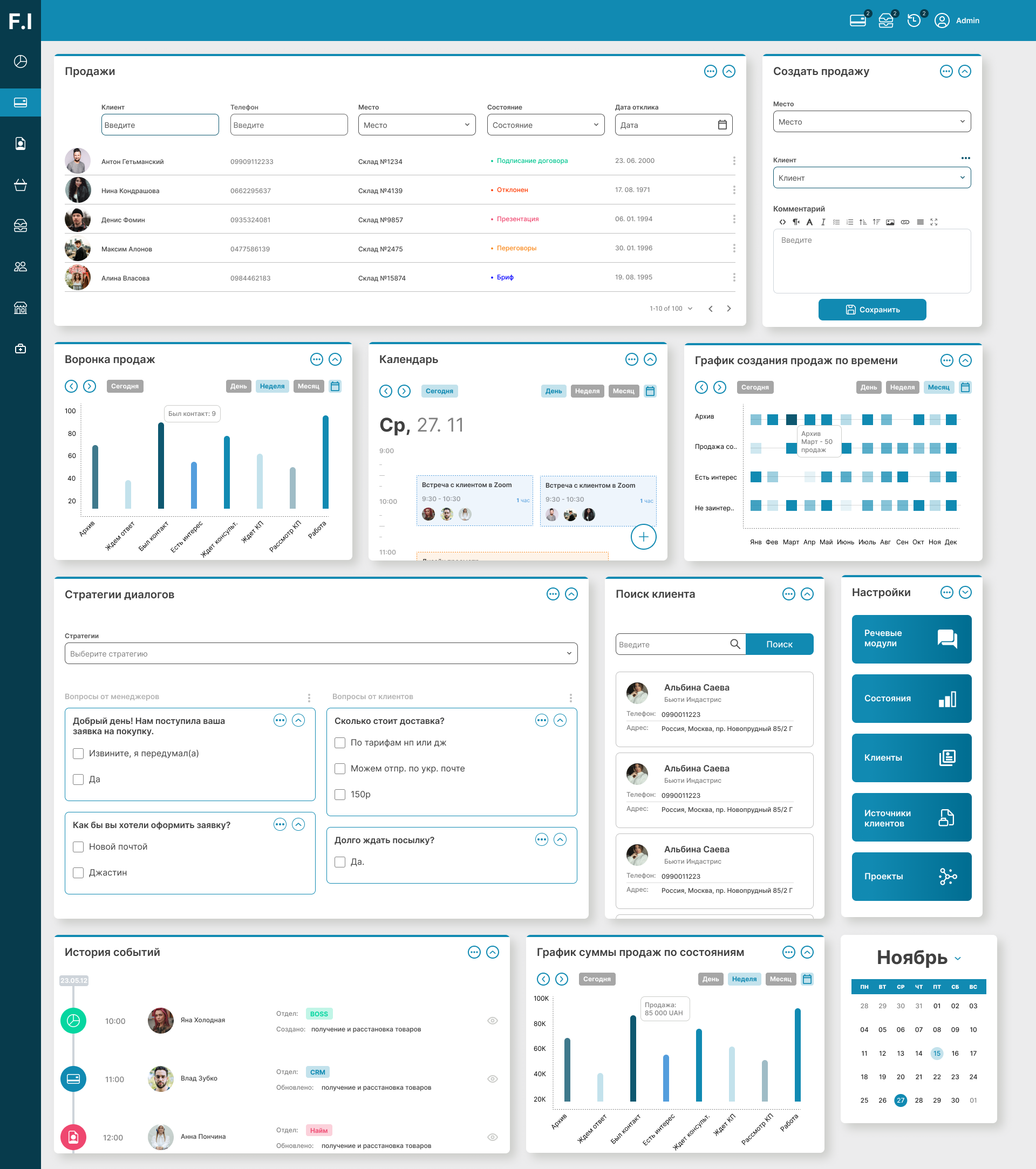
Below are two short videos from the real process. They clearly show one simple but very important idea: a prototype is not decoration and not a pretty picture for an investor. It is a working model of the system that helps make decisions before you spend the main budget on production development.
Video No. 1. Overview of the first stage: prototype, documentation, administrative contour, and system logic
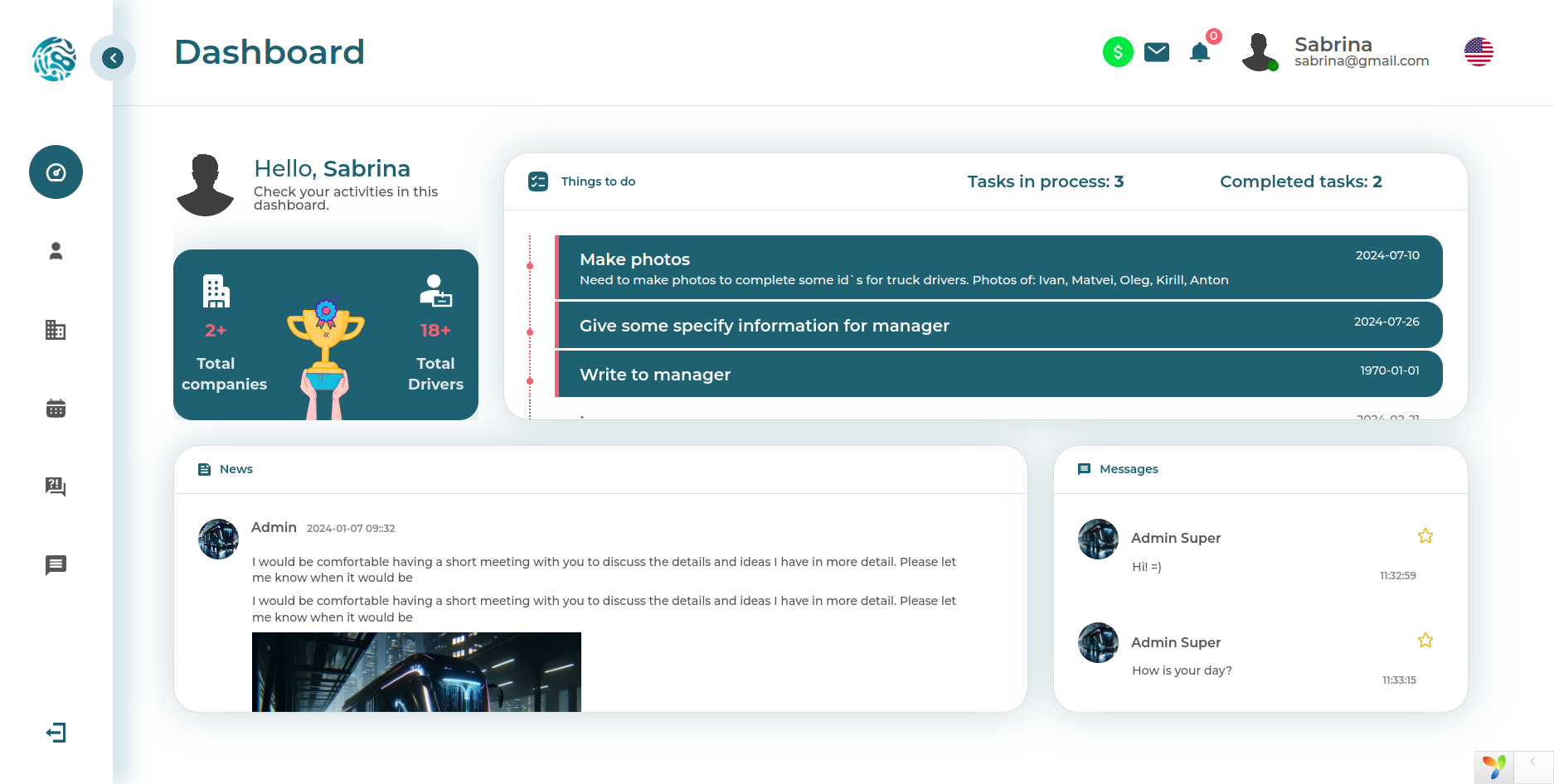
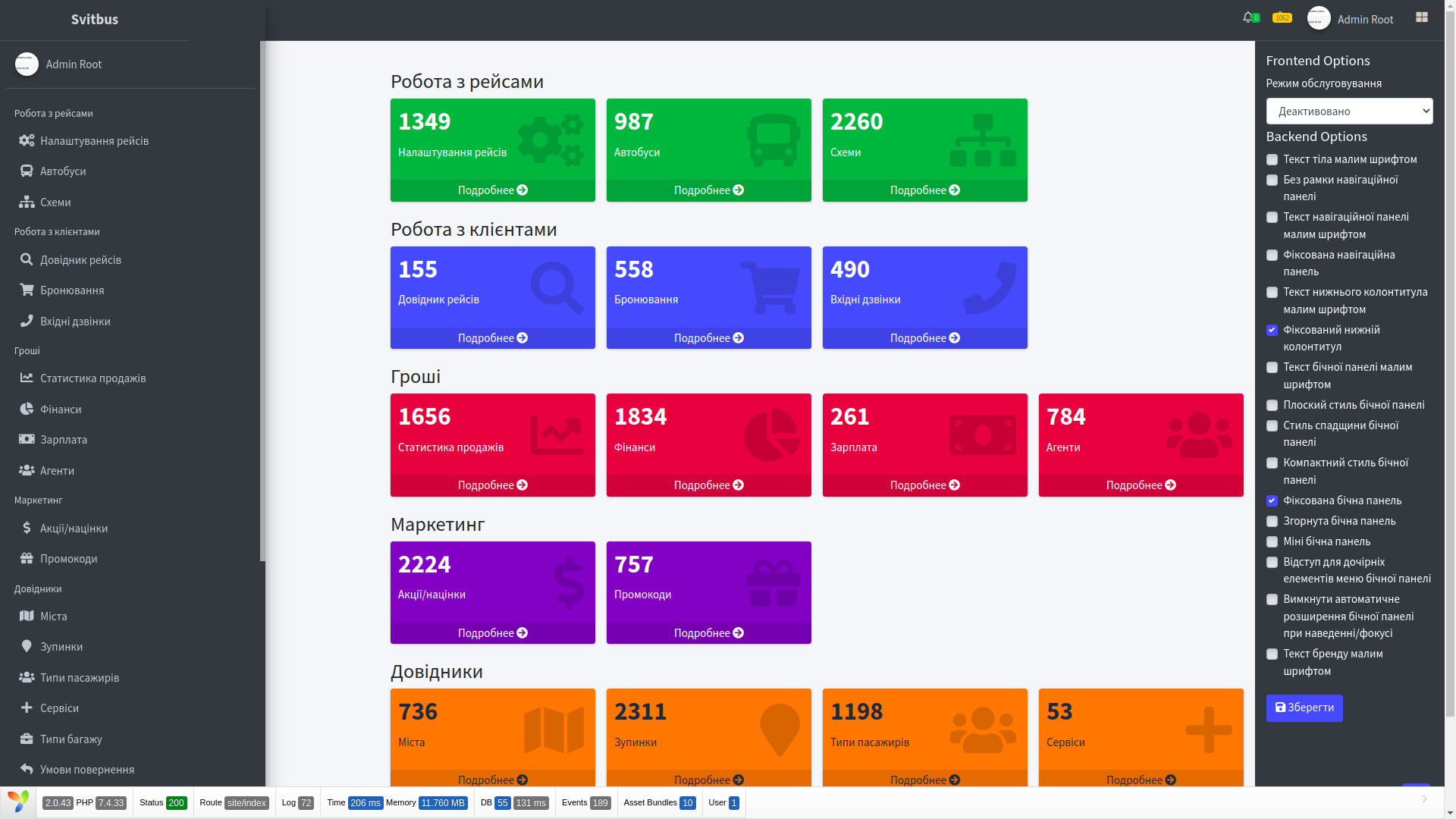
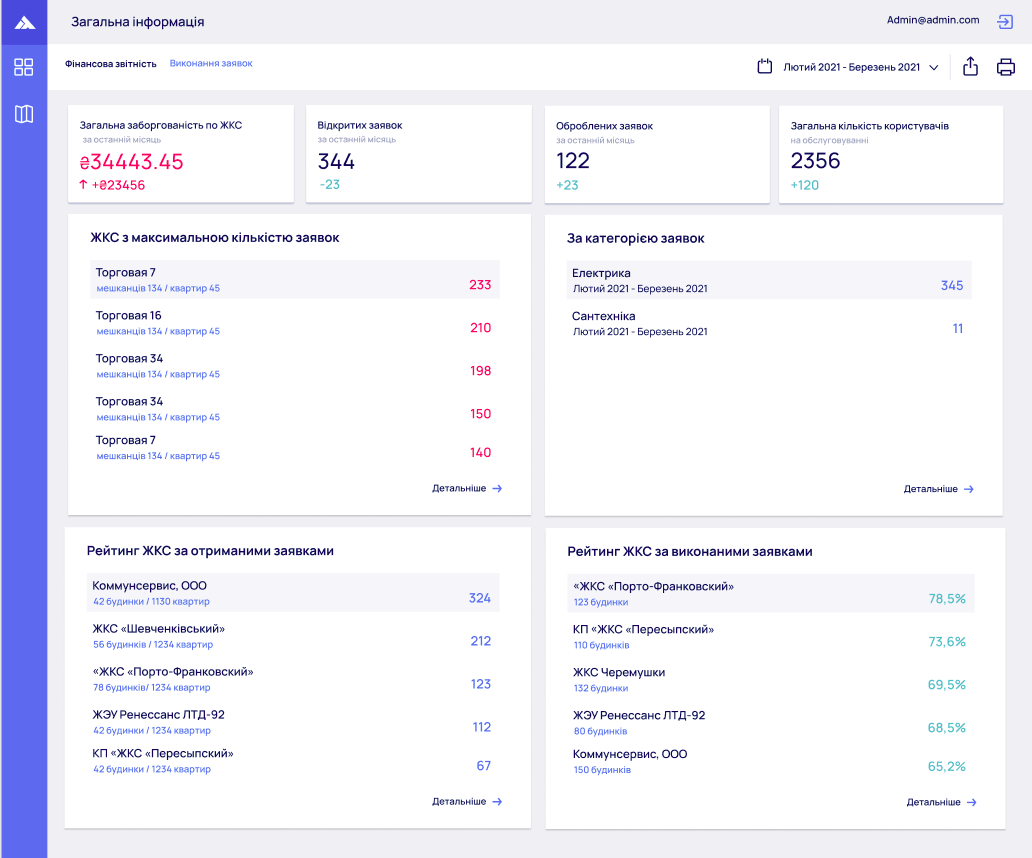
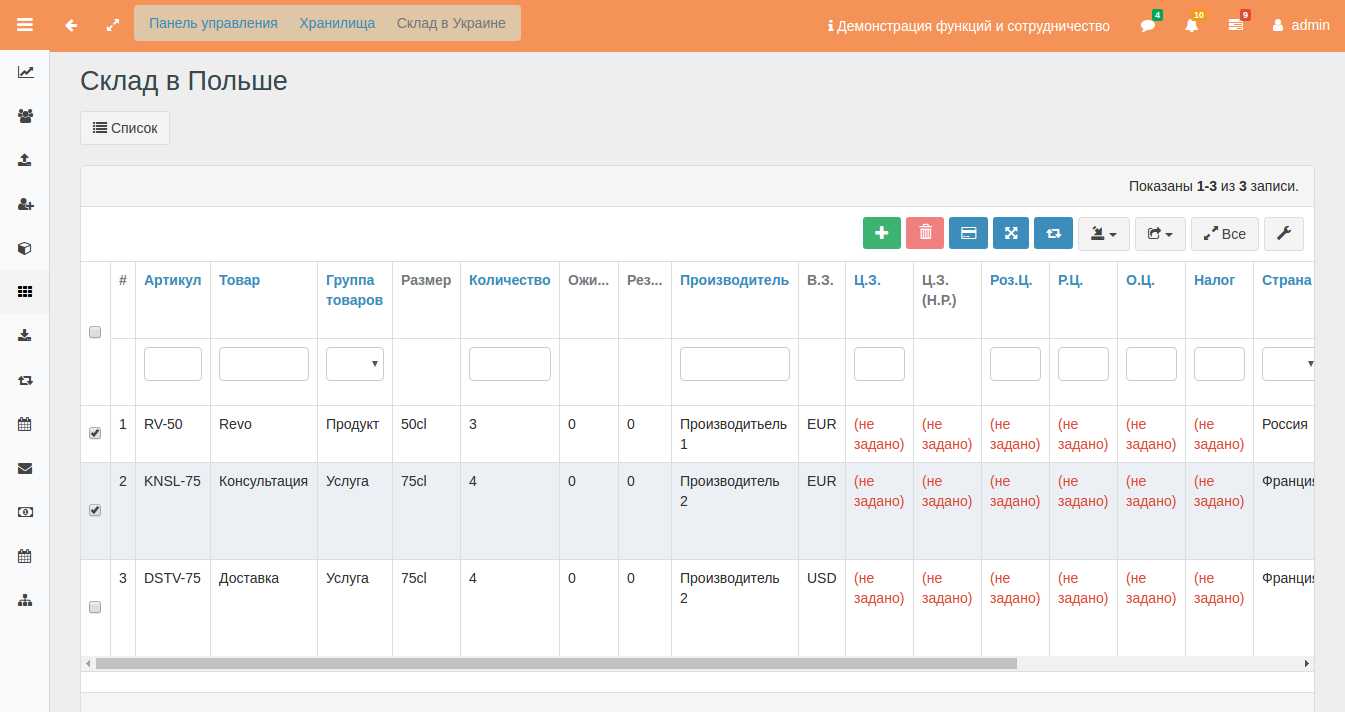
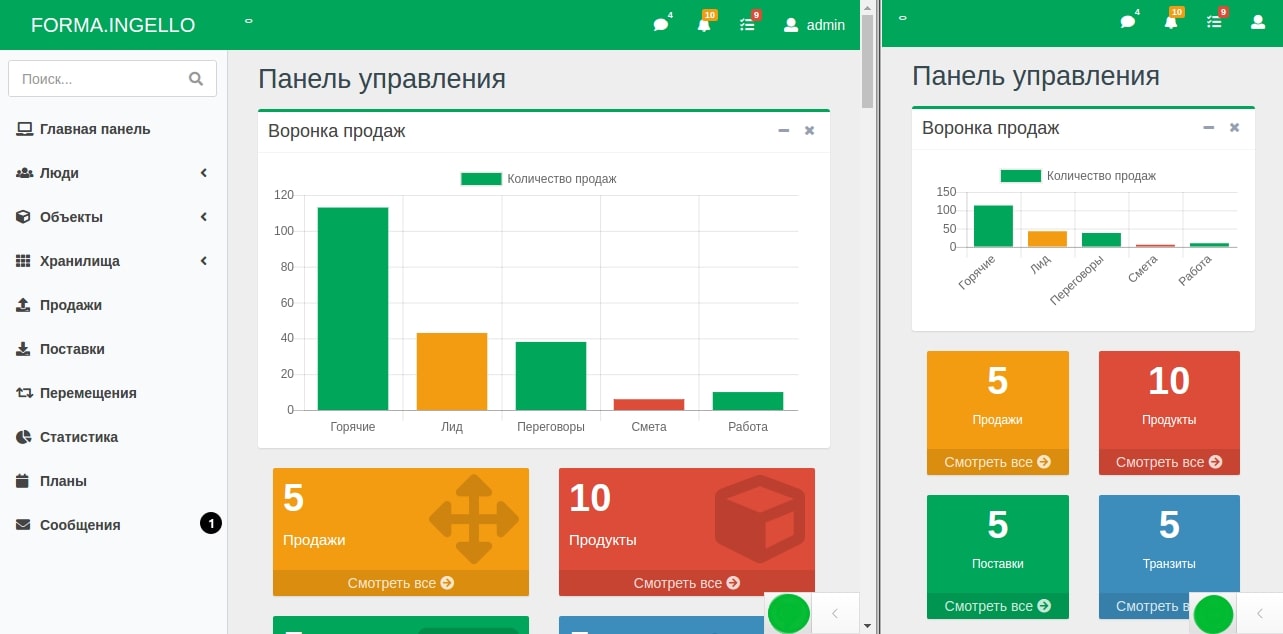
This video shows not one page and not one account area, but already an entire connected system: the user contour, doctor logic, administrative part, directory accounting, data control, filters, search, event logs, and general documentation. In other words, it shows how a raw idea gives birth not just to an interface, but to a future manageable platform.
Video No. 2. Client part, Figma as a reference, and MVP logic
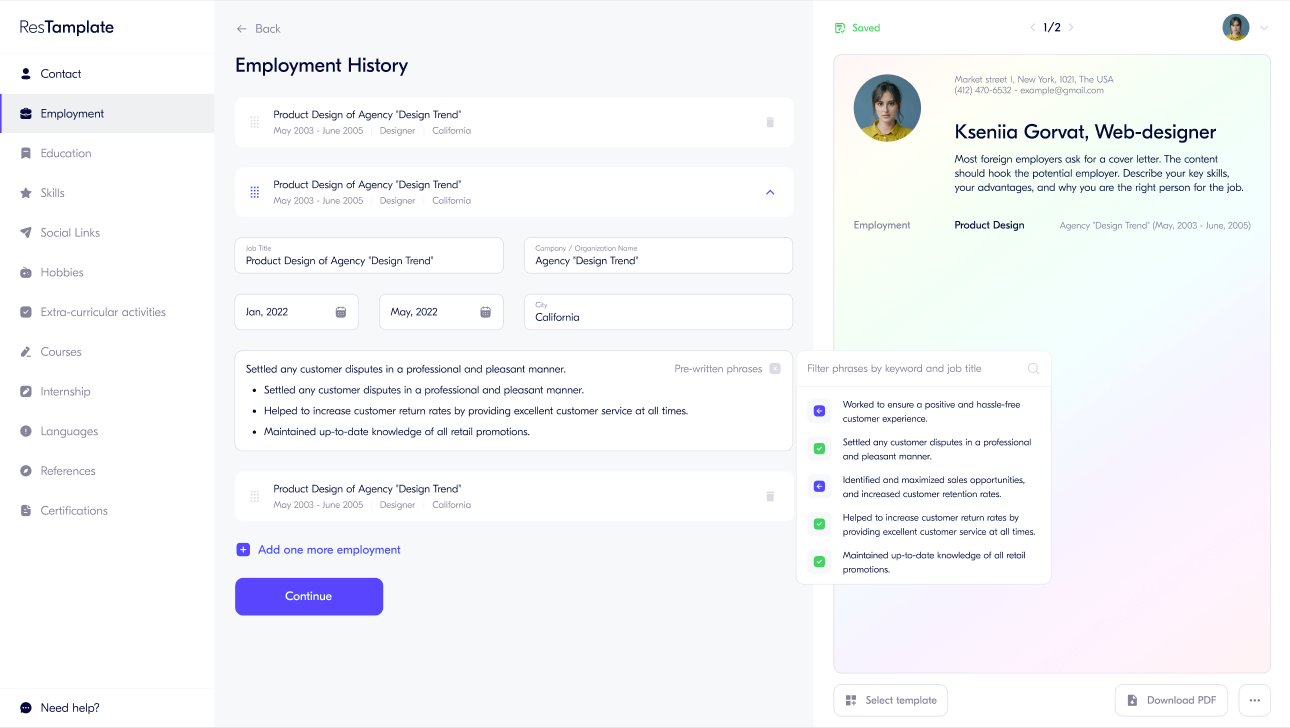
In the second video, the focus shifts to the client application: it shows how the initial Figma only gives direction, but does not cover the entire product lifecycle. This is exactly where the difference between a beautiful visual hint and real design becomes clear, where you have to fill gaps, prioritize modules, divide functionality into phases, and think not only about the patient, but also about the doctor, the administrator, and the system itself.
What we offer at the design-prototyping stage
We offer two formats for entering the work. This is important because not every project needs code right away. Sometimes it first needs a healthy technical brain, and only then hands.
Option 1. Design only
This format is for those who need to create a technical specification, assemble the system logic, describe modules, MVP boundaries, and architectural decisions, but without writing even raw demo code. This format is ideal when you need to:
- put requirements in order and stop living in the mode of and here is one more tiny little edit;
- understand what exactly goes into the MVP, and what will be postponed to later releases;
- build a data model, structure of screens, modules, roles, integrations, and constraints;
- receive a document with which you can already go into development, with us or with another team;
- calculate the budget more soberly, not magically, by feelings and caffeine =).
In essence, in this option we create an engineering drawing set for the future system: not the facade, but the structure.
Option 2. Design + prototyping
This is already a more powerful format. Here we not only describe the system in words and diagrams, but also build its early raw version, so that complex decisions can be seen, clicked through, discussed, simplified, or, on the contrary, strengthened.
In this option, design is supplemented with:
- an early database prototype;
- CRUD admin panel for managing business objects CRUD — create, read, update, delete;
- an early prototype of the administrative zone;
- a partially implemented user application in the browser;
- a simplified design system for aligning visual logic;
- a test environment where decisions can be seen not in abstraction, but in action.
This approach is especially valuable where the product has several work contours simultaneously: patient, doctor, administrator, operator, partner, super admin, content manager, analyst. Because a text technical specification without a prototype is sometimes like an X-ray without a doctor: something seems visible, but it is hard to explain.
What exactly we create: the structure of the result
Below is not an abstract promise like we will think everything through, but a normal structure of what is actually formed at this stage.
1. Business requirements and project scope
- a brief and clear description of the project boundaries;
- distribution of functionality between MVP, MMP, and future versions;
- description of key roles and usage scenarios;
- clarification of what goes into the first wave of work, and what is only designed in advance;
- boundaries of budget, priorities, integrations, and complex risk zones.
Here we actually remove the main disease of most projects — the illusion that everything is equally urgent and everything is needed at once.
2. Technical specification for data, architecture, infrastructure, administration
We form the technical specification in a format close to the logic of SRS / ISO/IEC/IEEE 29148. Not for show, but so that the document is useful for setting development tasks.
- introduction and general description of the system;
- functional requirements;
- non-functional requirements;
- data and constraints;
- acceptance criteria;
- description of the domain area;
- general system requirements;
- business objects of the system and the content of each business object;
- architectural decisions;
- infrastructure description;
- administrative contour;
- estimated unit and baseline component estimate.
In other words, we do not just write pages of text. We untangle the knot: what is an entity, what is a module, what is a role, what is a system event, and what is simply a wish for later.
3. ERD / data model
The ERD data model is the heart of the future system. This is where the list of entities, fields, relationships, access types, and basic data storage logic appears.
- list of business objects;
- fields and properties;
- part of the types and default values;
- external relationships between entities;
- preparing the foundation for roles, access rights, and system actions;
- decomposition of large contours into separate tables and logical groups.
A simple metaphor works very well here: without a data model, the interface looks like a nice reception desk in a clinic with no archive, no chart, and no log underneath it. Beautiful, but chaos in a week.
4. Technical specification for the user interface
A separate interface model is formed:
- declaration of visual screens;
- declaration of blocks and components;
- description of component types;
- connections of screens with the data model;
- connections of interface elements with business objects;
- description of fields, forms, transitions, nesting, and scenarios;
- additional informal comments on functionality;
- declaration of the design system in the form of CSS variables.
This is exactly where it becomes clear why Figma alone rarely saves a large project. It can provide mood, composition, direction. But design must also answer dozens of uncomfortable questions: who creates the record, where the directory is edited, where the doctor's slot comes from, who sees the change log, what will be in the admin panel, how roles behave, which data is mandatory and which is only desirable.
5. Database prototype
In the prototyping option, we create a simplified database, sufficient to demonstrate the future logic. This is not production level yet, but it is no longer empty words.
- simplified storage of business objects;
- primary relationships between entities;
- test data for demonstrating the flow;
- a foundation for roles, users, profiles, directories, system records;
- the ability to check whether the model behaves adequately under real scenarios at all.
6. CRUD admin panel and administrative contour
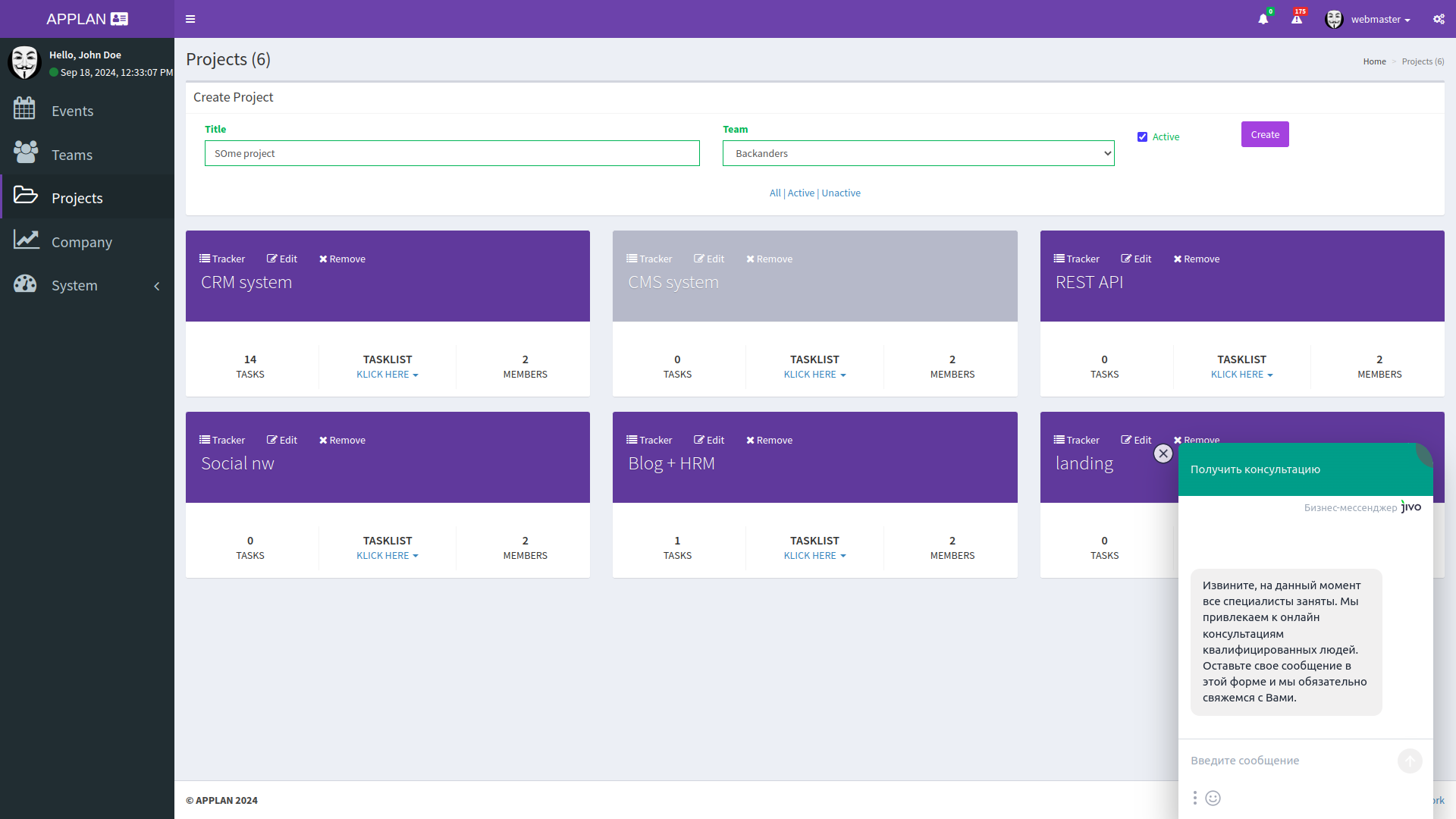
It is the administrative part that kills the romance in a good way =). Because when we design a real product, we have to think not only about what the patient sees, but also about who fills directories, edits doctors, manages roles, languages, categories, documents, events, statuses, and system data.
- user management;
- role and access management RBAC;
- language and translation management;
- directory management;
- system tables, filters, sorting, search;
- editing records without a programmer's involvement;
- preparing the foundation for system analytics, logs, timelines, statuses.
That is why the first video separately emphasizes the administrative zone: without it, the system does not manage the business, but only pretends to work.
7. Partial prototype of the user application
In the early version, we partially assemble user screens so that the flow can be seen through the eyes of a real user. Not in a presentation, but in the browser.
- authorization and registration in simplified form;
- lists and cards of entities;
- creation and editing forms;
- transition buttons and basic navigation;
- mobile adaptation at the prototype level;
- visualization of priority MVP screens.
Such screens are not made for real users. They are needed so that you, together with us, can say: this works logically, this is unnecessary, this needs to be simplified, this needs to be expanded, this is better moved to the next phase.
8. Prototype design system
We do not pass off a raw prototype as final premium design, but we also do not reduce everything to gray text on a white background. A basic design system is used for the prototype, sufficient for visual alignment:
- colors;
- fonts;
- spacing;
- buttons;
- cards;
- menus;
- typical form elements.
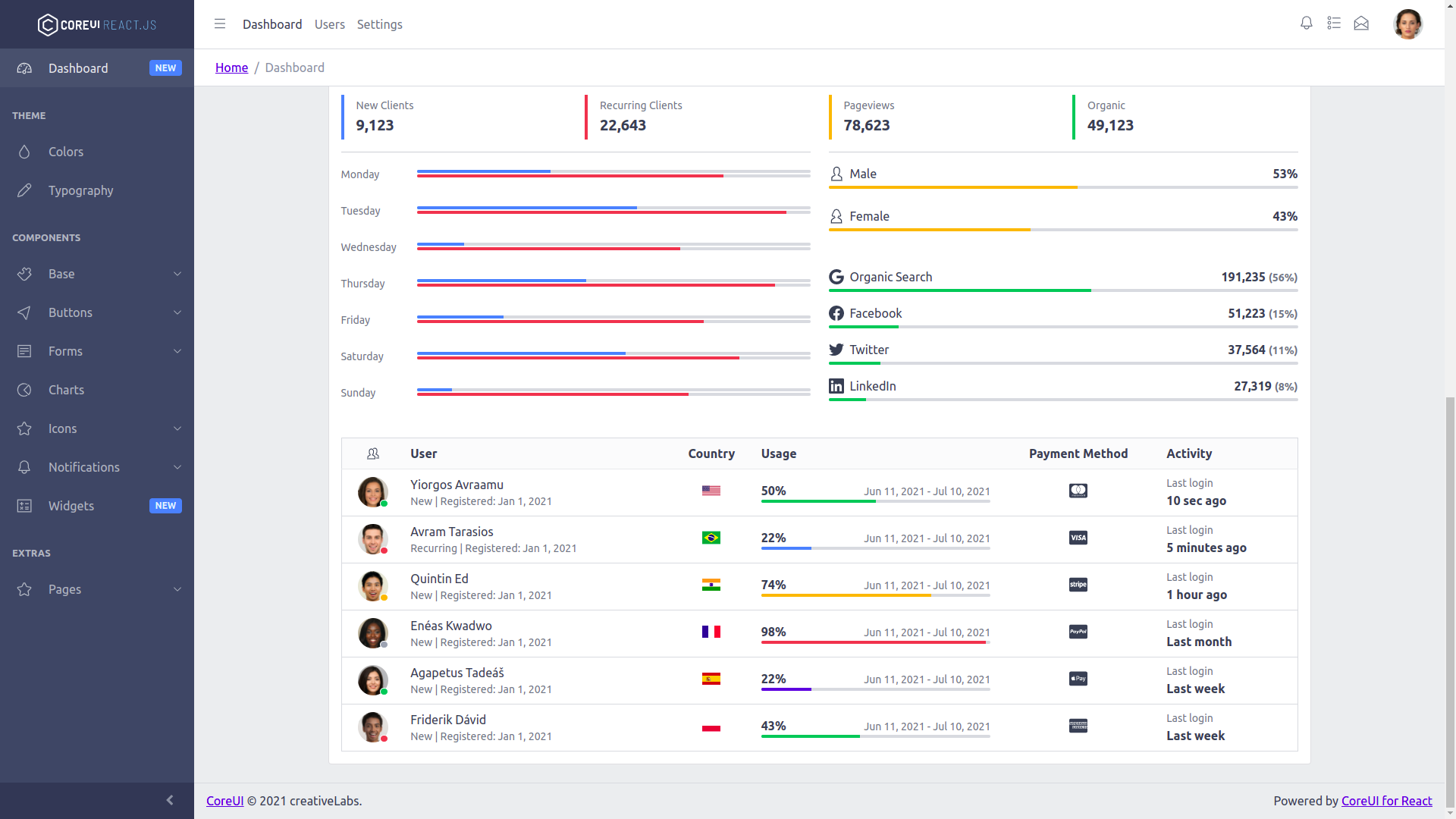
At the technical level, the basis may use Bootstrap and Font Awesome, so as not to reinvent the wheel where fast and clear visualization is needed.
What contours we design in similar systems
The videos clearly show that this is not about one screen, but at least about three large layers of the system.
Client contour
- registration and authorization;
- profile;
- list of specialists;
- doctor card;
- consultation creation;
- viewing consultations;
- medical record and part of personal data;
- in the future — billing, mailings, integrations, AI modules, calendars.
Doctor or specialist work contour
- viewing patients;
- entering medical records;
- managing consultations;
- planned actions, slots, appointments;
- working with data that must reach the patient after the appointment;
- gradual development from a simple scenario to a more professional calendar or shift contour.
Administrative and system contour
- users;
- roles;
- articles and categories;
- translations;
- directories of diagnoses, categories, types;
- system logs;
- cache, files, timelines, event logs;
- collecting and preparing data for statistics and analytics.
This is exactly where the difference between a small landing page and a serious digital system becomes visible. A serious product is always not one interface, but an ensemble of connected mechanisms.
What goes into the first phase, and what is designed in advance
A separate advantage of this approach is that we do not mix everything into one pot. Some functions can go directly into the prototype, while some can be honestly designed in advance, but not implemented immediately.
For example, in similar medical products, the prototype often includes:
- simplified registration;
- list of doctors;
- consultation creation;
- user profile in simplified form;
- medical record with basic parameters;
- administrative system behind a password;
- management of users, roles, articles, categories, business objects;
- tables, search, sorting, filters, editing, deletion, adding.
But more complex things can be designed ahead, but not be included in the first raw implementation:
- advanced registration with checks;
- artificial intelligence modules;
- detailed ratings and reviews;
- a full booking calendar;
- billing based on a payment gateway;
- online chat;
- push notifications;
- email automation;
- integrations with external medical systems.
This is very healthy logic. Because good design does not try to immediately weld a spaceship out of a kettle. It builds a development path.
What stack such a prototype can be created on
For fast, controlled, and technically pragmatic prototyping, the stack may use PHP, MySQL, Docker and Linux. This allows assembling a working demonstration contour without unnecessary theatricality, but with sufficient technical seriousness.
That is, this is not about a toy for one screenshot. It is about an early, but already software-based model of the product, which can be opened, tested, demonstrated, and used as the starting foundation for the next development contract.
What is important to understand honestly: a prototype is not production
And that is normal. Moreover, it is correct.
- A prototype is not intended for public launch.
- A prototype is not the final product for real users.
- A prototype does not include full unique production-level business logic.
- A prototype does not include full indexing, optimization, complex joins of selections, and fine load tuning.
- A prototype does not guarantee production-level security, access rights, and fine UX polishing.
A prototype is a technical draft mockup with a brain. It is needed to reduce risk, not to pretend that risk no longer exists.
How the process itself is organized
In a normal model, this service is divided into two stages:
- the first stage is collecting and clarifying requirements, building the data model, interface model, draft technical specification, and creating an early prototype;
- the second stage is clarifying integrations, system events, special algorithms, non-functional requirements, and finalizing the technical specification.
Usually such a service organically includes:
- analytical online calls;
- working documents in Google Drive;
- two cycles of edits within the agreed business requirements;
- time reserve for reasonable depth of detail;
- video demonstration of results at the end of the stages.
This is an important point: we do not turn design into an endless series. There are boundaries, stages, checkpoints, acceptance, and normal discipline for working with comments.
Who this format is especially useful for
For startups
If you have a strong idea, but do not yet have technical clarity, the design stage allows you not to drain the budget into a chaotic MVP. First, we find out what in your product is the real core, and what is a beautiful but premature dream.
For systemic companies
If you already have a business, a team, departments, Excel, scattered services, outdated tools, and a tired technical manager, this format is even more valuable. Because here you need not just to build an application, but to untangle a confusing business ecosystem and assemble it into a manageable digital architecture.
Related cases worth looking at
If the topic of medical and system products is close to you, here are a few relevant materials:
- Designing an MIS for eHealth — a good example of when regulations, models, integration logic, and systems thinking are needed.
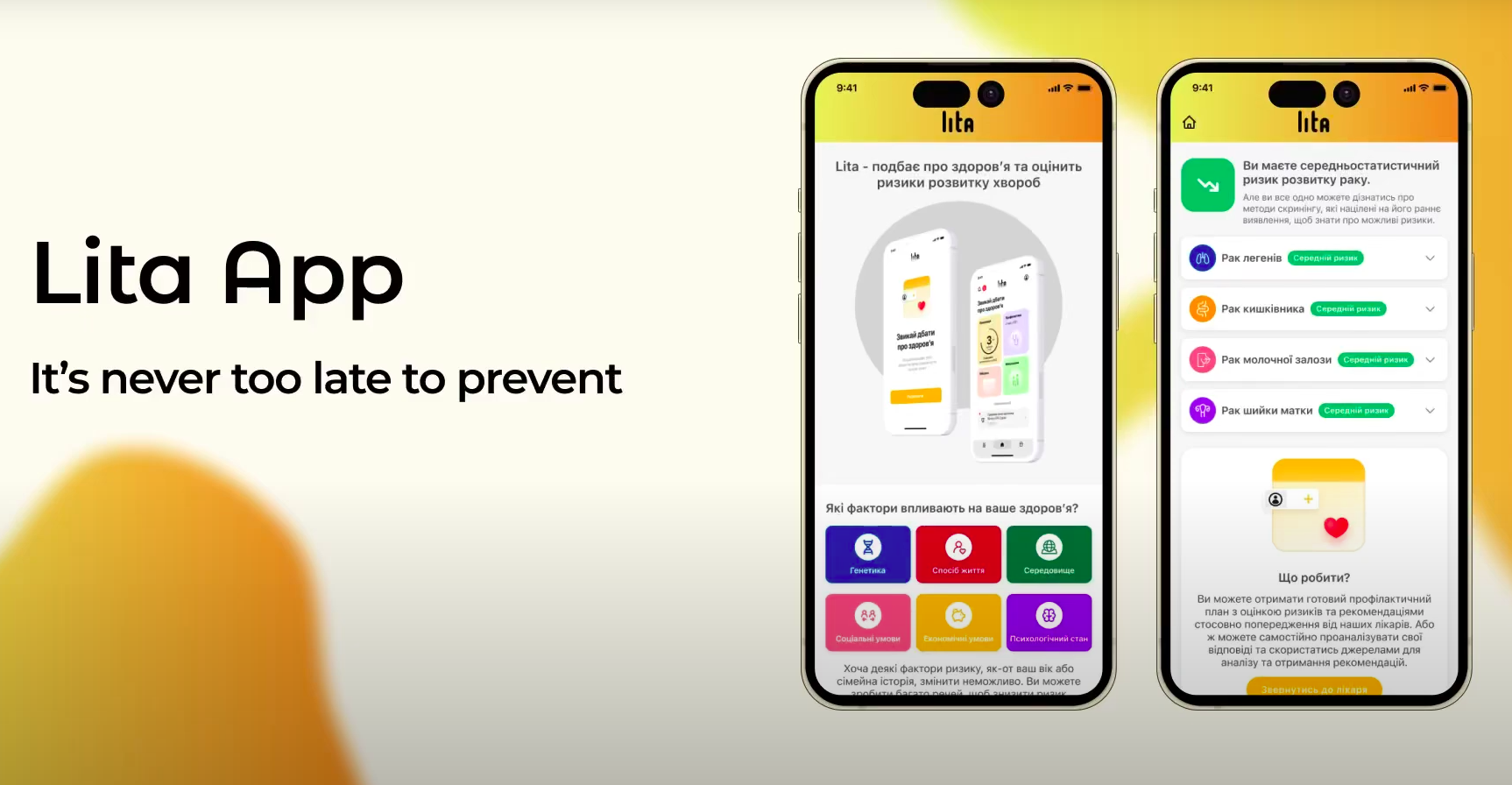
- Lita — a medical product with a test builder and complex data logic.
- L-Doc — online offices for doctors, where the professional working contour is clearly visible.
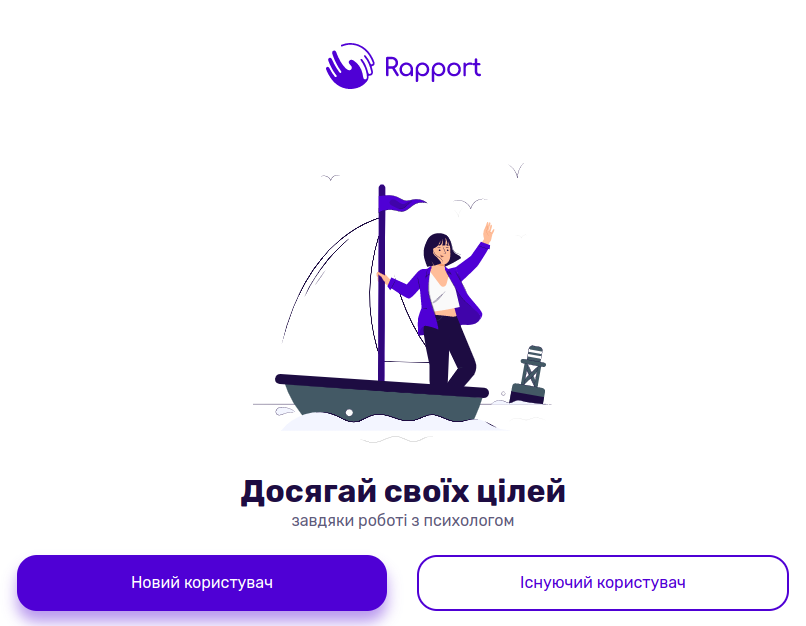
- Rapport — a product for psychologists and patients, where the balance between UX, data, and processes is also important.
- Dent Ingello — a medical service for dental clinics with its own operational logic.
- FORMA BPM — if you are closer not to medicine, but to building a systemic corporate platform.
What the customer receives as a result
As a result, the customer receives not a vague consultation and not a set of pretty words. They receive a solution package, with which it is already possible to move into development:
- business requirements;
- technical specification for data, interfaces, architecture, and infrastructure;
- data model;
- interface model;
- partially implemented functional prototype;
- demo materials and video reviews;
- a better understanding of the budget, phasing, and risks;
- a basis for further development — with us or with another team.
And this, in fact, is the main value of such a stage: it turns a chaotic idea into a manageable engineering object.
When it is worth starting specifically with this stage
It is worth starting with design and prototyping when:
- the project is complex and has several roles;
- there is a lot of uncertainty in the requirements;
- there is dependence on integrations, roles, directories, document flow, or complex data;
- the business does not want to immediately risk the full development budget;
- a solid document and a live demonstration are needed before production starts.
If you are now exactly at this point — when the idea is already serious, but the technical framework has not yet been assembled — take a look at how we work. There are reviews, our approach to cooperation, work stages, and the option to leave a request for a free consultation. And this, frankly speaking, is much more useful than carrying the future system around in your head for another month =).